Start here
Escape Academy 2: Back 2 School Guides: Start Here
Find the right Escape Academy 2: Back 2 School guide, choose solo or co-op, and learn where to start without revealing answers to later puzzles.
Updated
- Guides
- 27
- Topics
- 3
- On this page
- 7
Find Help for Your Current Task
Get Escape Academy 2: Back 2 School on Steam for Windows PC, through the Xbox Store for Xbox Series X|S or Xbox on PC, or through the PlayStation Store for PS5; you can play alone or with a partner in online or local split-screen co-op. Start at Escape Shack Station, then follow the introductory classroom escape and campus orientation.
For help obtaining the lockpicking book, choose A Book of Lockpicks. For the picnic puzzle, choose A Cryptic Picnic. Match the guide to the task in front of you, read its opening clue, and continue to the exact solution only if you still need help.
Get the Full Game or Try the Demo
Choose the full game when you want the released campaign. Steam also offers a separate, free demo containing the first chapter. Eligible Xbox Game Pass subscribers can access the game through their subscription, so check the Xbox listing if that is how you plan to play.
Open the full game in the Xbox Store.
Choose How You Want to Play
Solo play, online co-op, and local split-screen co-op are supported. The optional No-Timer Mode lets you work through puzzles at your preferred pace. Choose it if you enjoy investigating clues but find a countdown distracting.
| Play Option | What It Offers |
|---|---|
| Solo | Play the campaign alone and handle the clues yourself. |
| Online co-op | Solve puzzles with a partner online. |
| Local split-screen co-op | Play alongside a partner in couch co-op. |
When playing together, describe useful discoveries aloud before moving away from them. Share the wording of a clue as well as the answer you think it suggests, so your partner can check the reasoning. Before entering a solution, compare what you found with what the lock actually asks for.
Follow the Opening Route
- Explore Escape Shack Station in No Ticket to learn the opening movement and puzzle-solving basics.
- Solve the tram ticket puzzle to begin your journey toward the Academy.
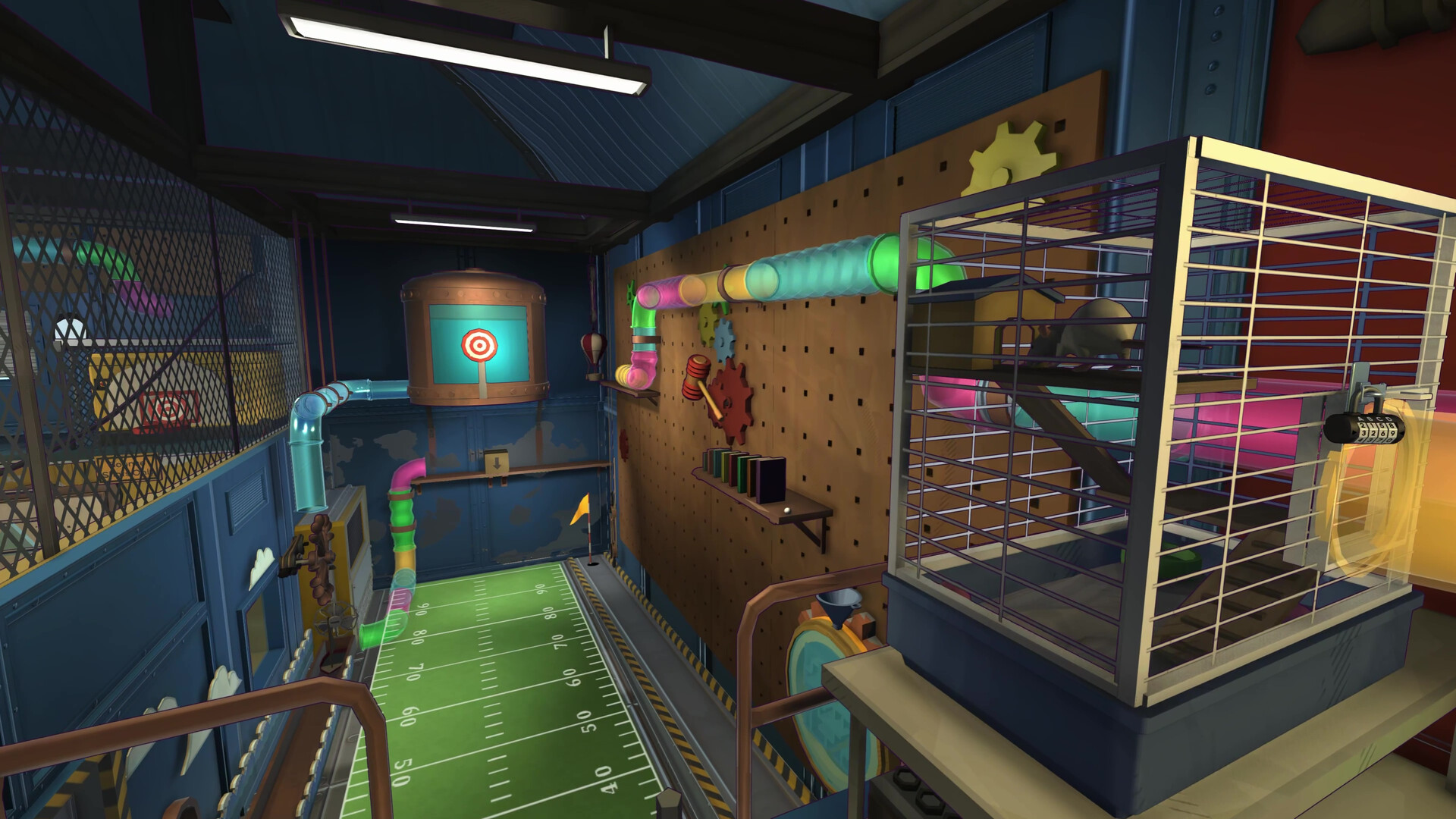
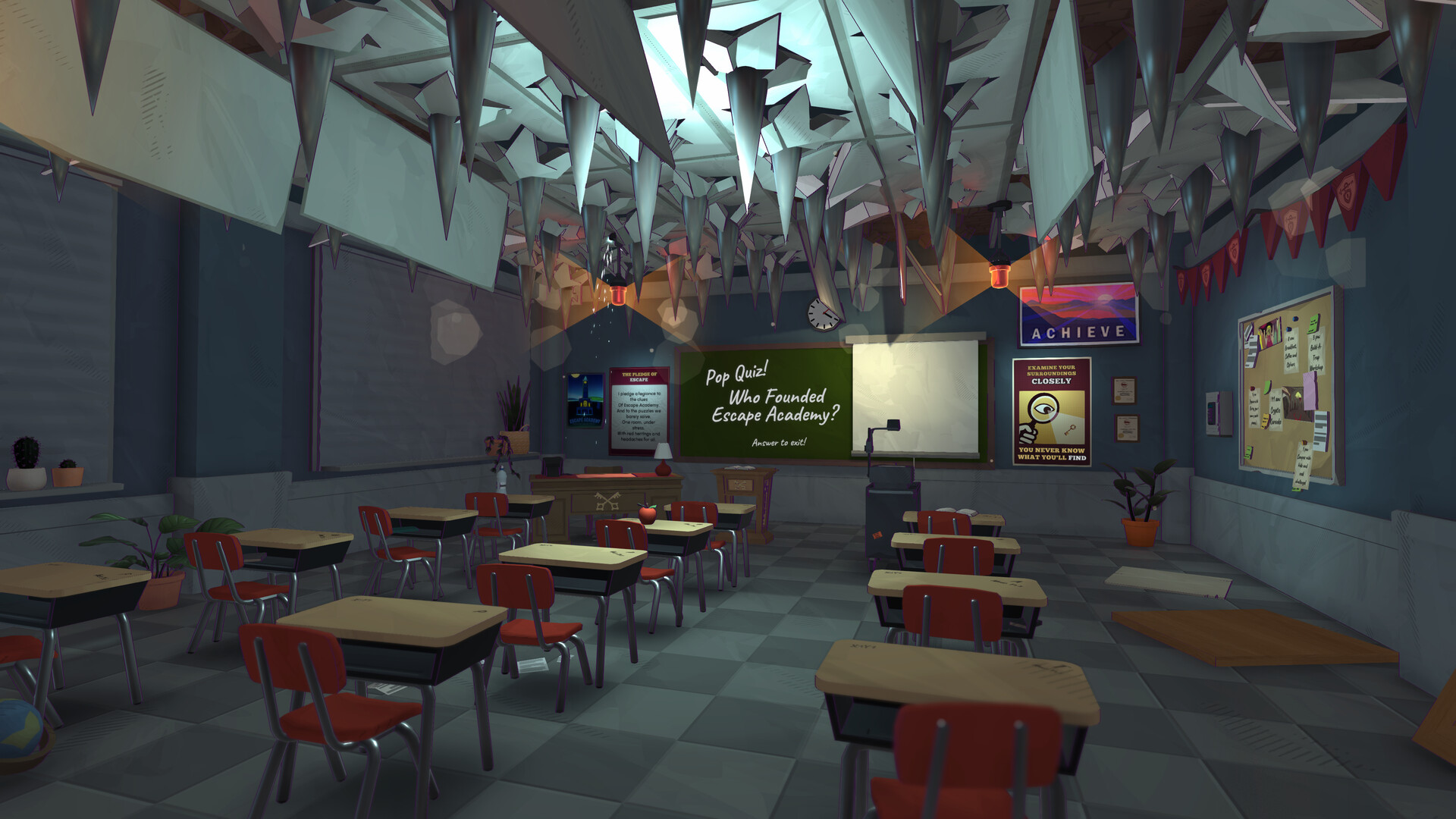
- Complete A Clued Awakening, the introductory classroom escape, to continue toward campus orientation.
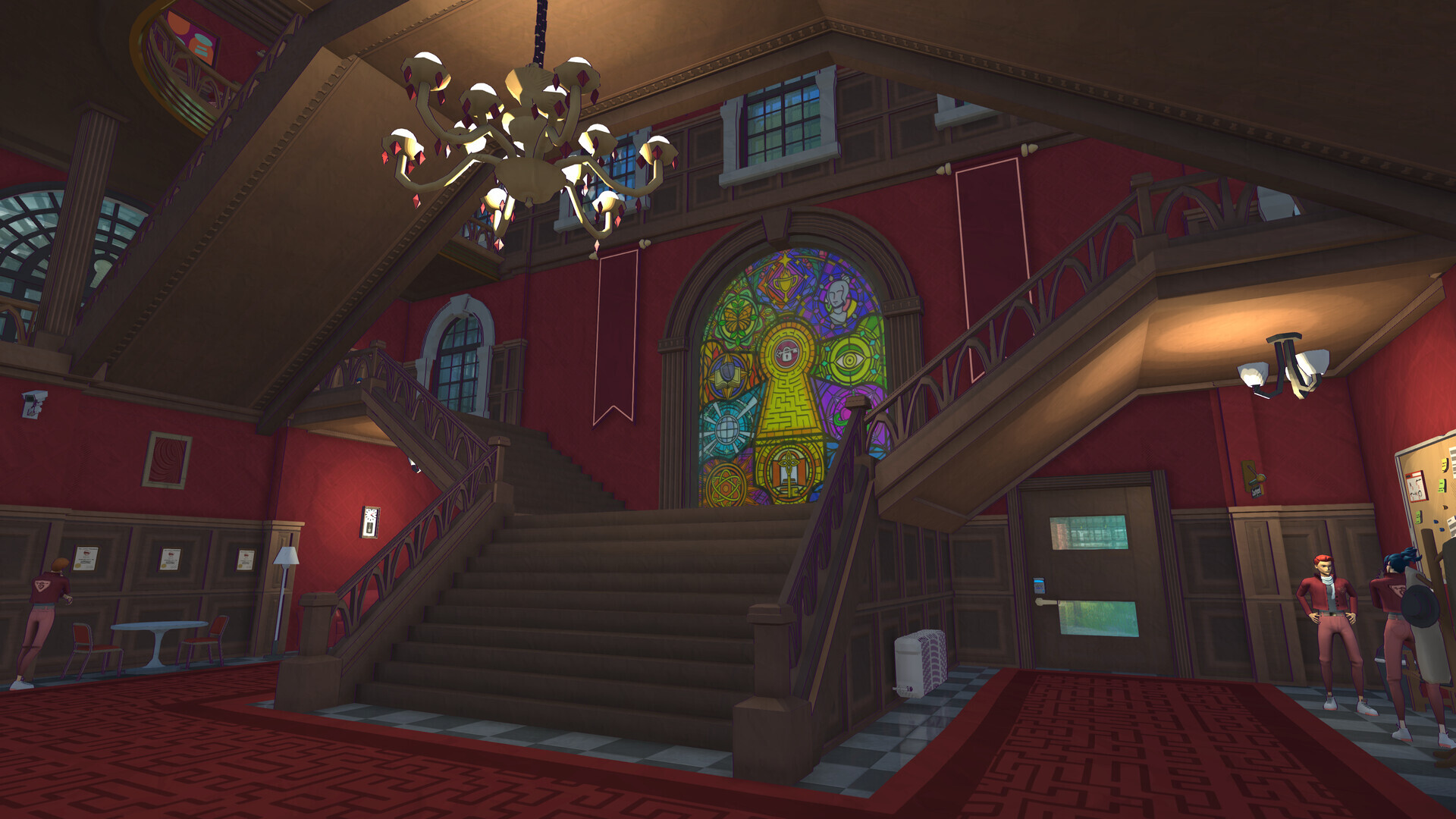
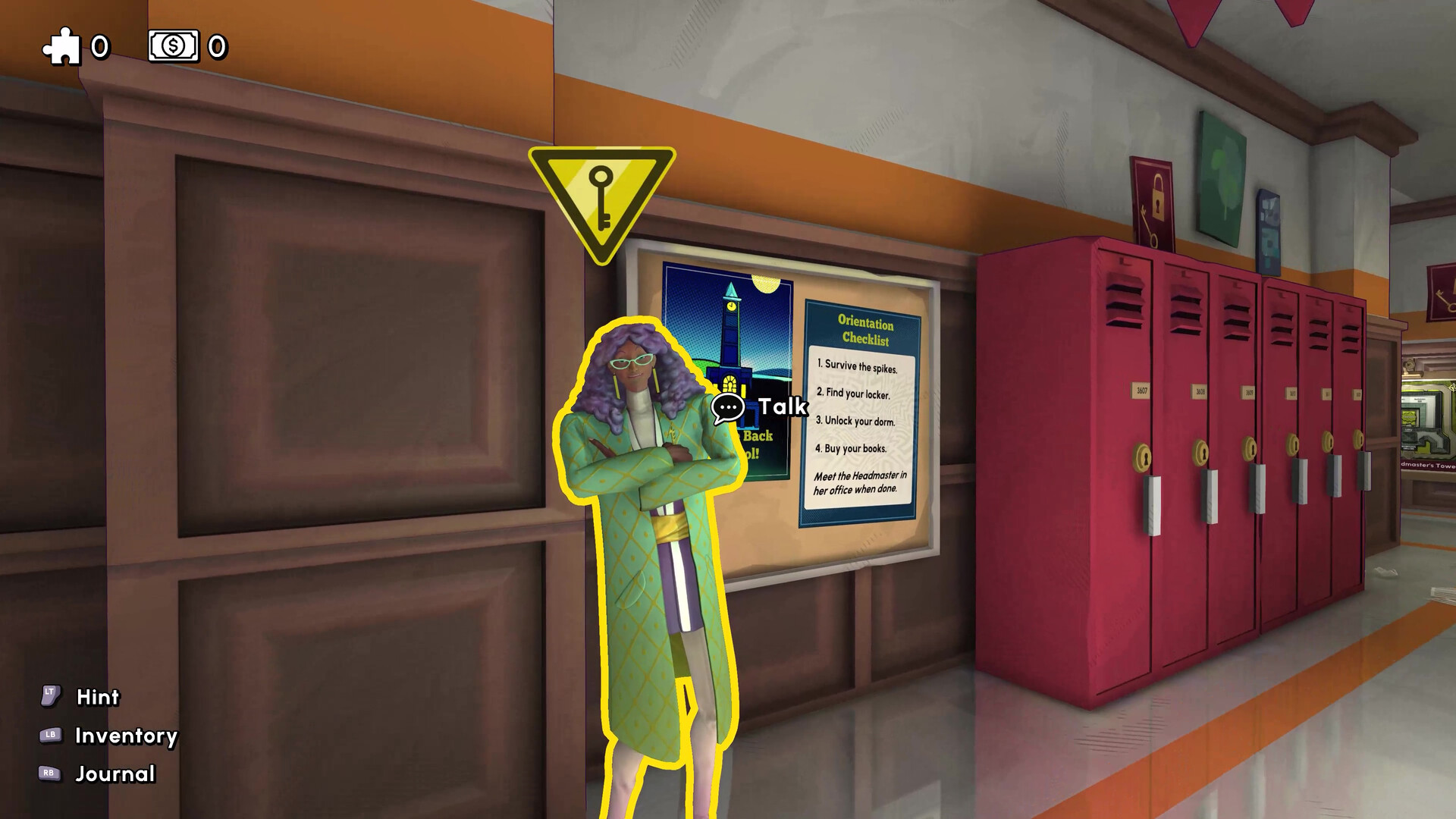
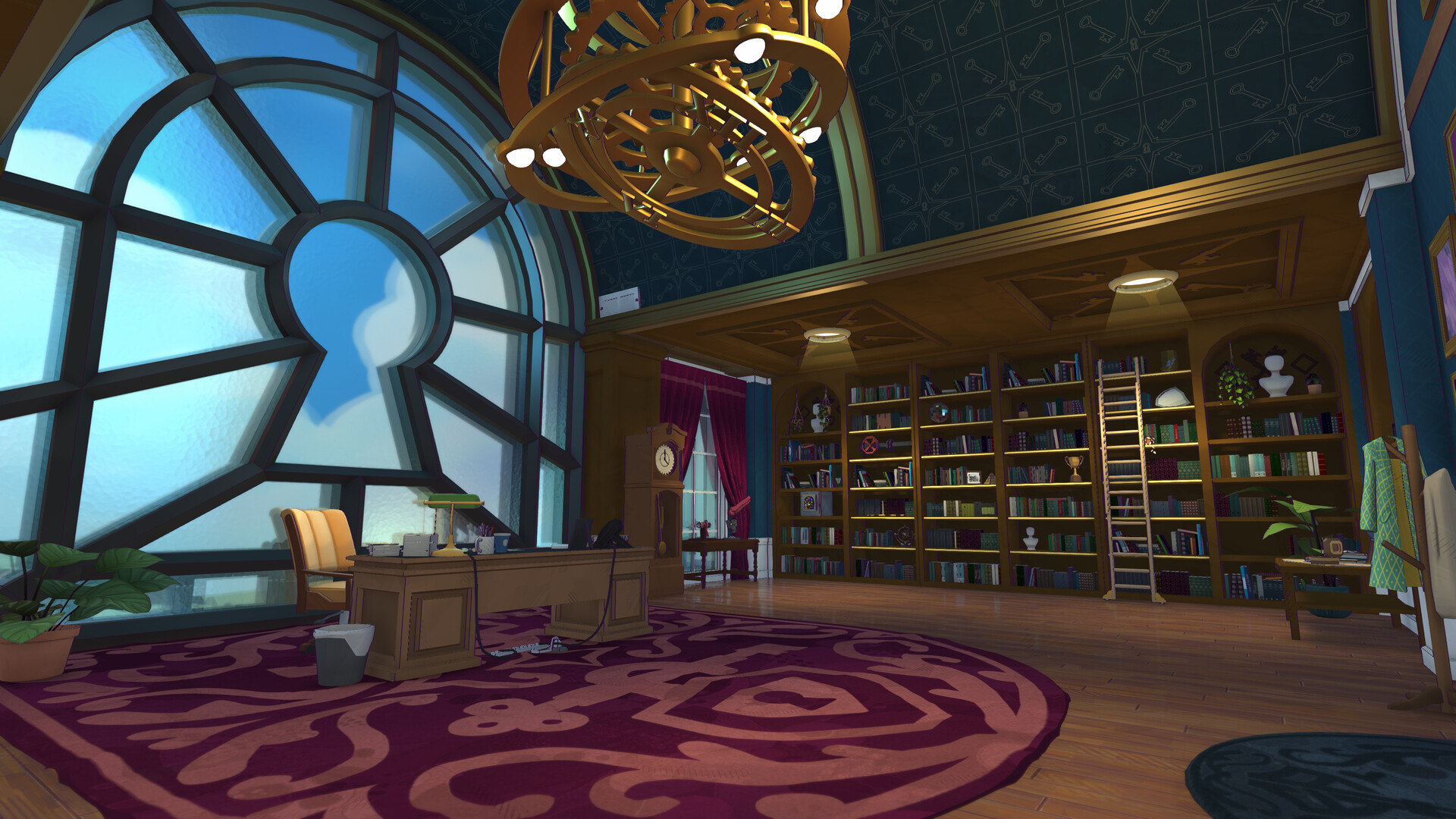
- Follow the opening orientation checklist through the Headmaster’s Tower to establish your route around campus.
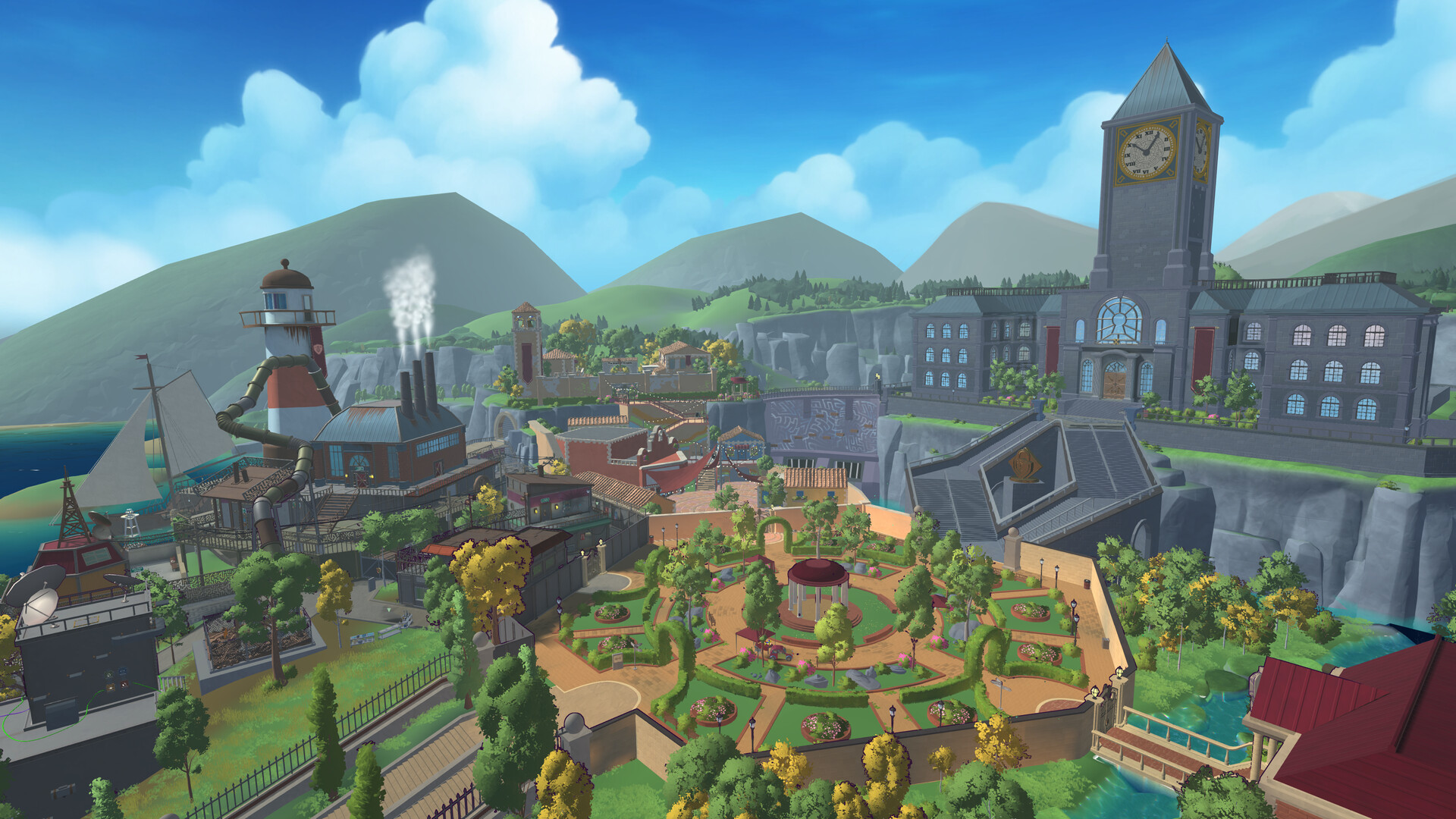
The campus opens progressively as the story advances. Follow the opening checklist before trying to reach later campus areas; the Humanities Campus becomes available later. When you need help, use your current task name to choose the relevant guide instead of reading ahead through a campaign walkthrough.
Fit Extra Credit Around Your Classes
The campaign connects timed, graded escape rooms through an explorable campus. Between those rooms, you can investigate campus puzzles and take on untimed Extra Credit quests. These smaller tasks award Escape Bucks used for purchases and story progression.
You can choose which Extra Credit tasks to complete, and finishing every task is optional. However, Escape Bucks pay for required quest items, so completing student tasks helps fund your progress. Loose Escape Bucks can also be found around campus, including in couch cushions and toilets.
Save the money you earn during orientation for the required books. If shopping interrupts your progress, try a nearby student task or explore for loose cash before returning to the shop. This keeps the immediate goal clear without requiring you to look up solutions for unrelated rooms.
Read Only as Much Help as You Need
- Choose A Book of Lockpicks when your immediate goal is obtaining the named book, so you can stay focused on that purchase.
- Choose A Cryptic Picnic when you need help with the picnic puzzle, so you can follow its clues without reading other quest solutions.
- Stop at the opening clue if it gives you enough direction to return to the puzzle yourself.
- Read the ordered solution when you want the exact actions, then use its completion check to decide when to stop reading.
Get a Nudge When You Are Stuck
The in-game hint system offers increasingly specific guidance across successive screens. You can read an initial hint and stop before revealing a fuller solution. Heavy reliance on hints affects your grade, so use the amount of help that suits the experience you want.
Keep a pencil and paper nearby for clues you want to compare. Write down symbols, wording, and possible connections instead of repeatedly trying to remember them. When an answer fails, compare your notes with the requested input before searching for a different puzzle’s solution.
Extra Credit progress appears in the Extra Credit section at the bottom of the Journal. Check that section when you want to review your side-task progress. Then return to the guide matching the task you still want to finish.